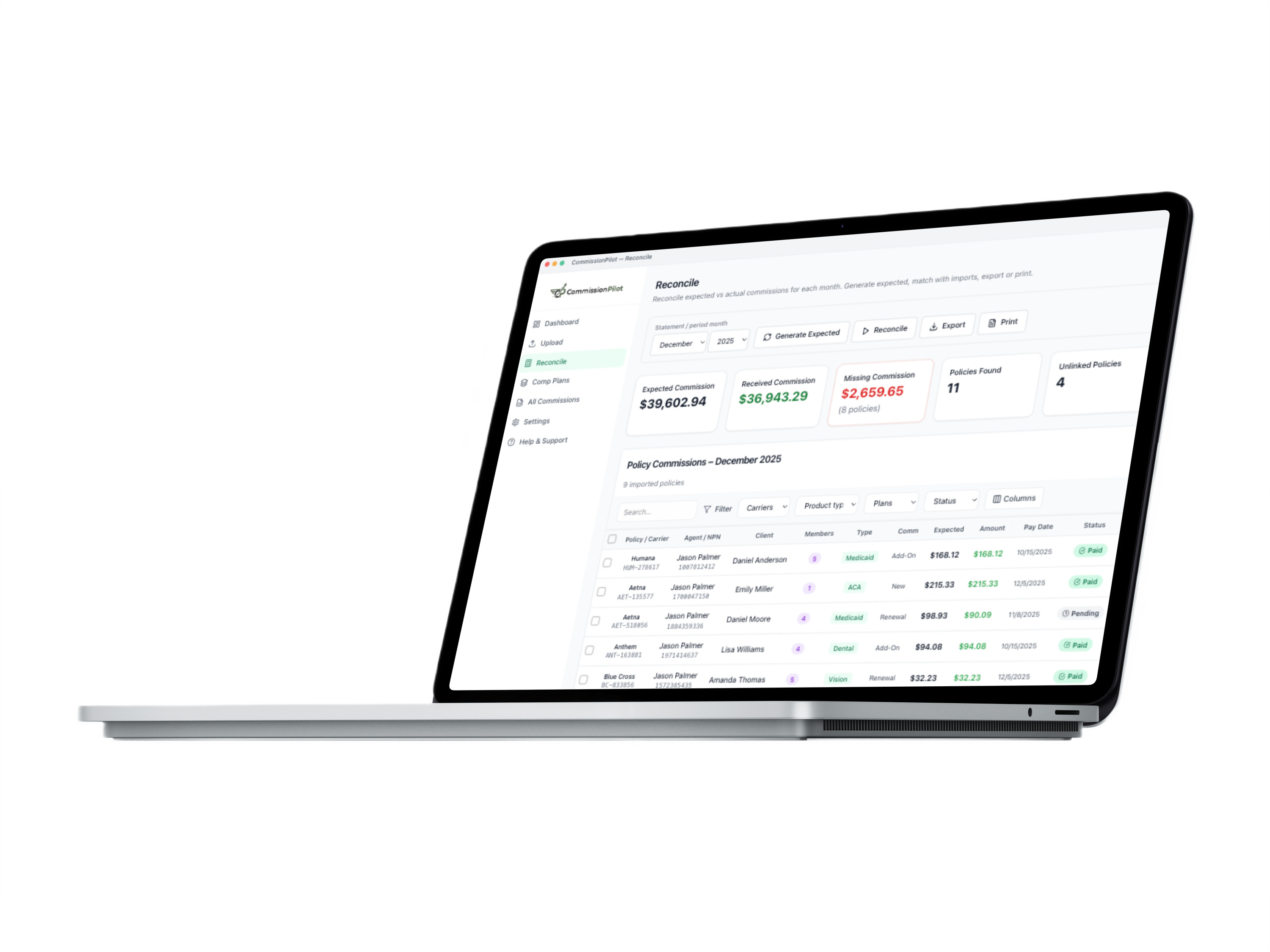
Live product preview

How it works
Three steps to full visibility
Upload statements
Upload CSV, Excel, or PDF files or scan an entire folder. We automatically detect carriers and standardize every row.
Calculate & match
Commission plans generate expected payments. We instantly match them to carrier deposits.
Find what’s missing
Every policy gets a status: paid, overpaid, partial or missing—so nothing slips through.
Commission tracking, simplified
Managing commission tracking shouldn't be this hard, let's get it under control.
- Confusing spreadsheets and portals
- Statements buried in inboxes and download folders
- Hours of manual math to reconcile payouts
- No clear way to spot missing commissions
- Second-guessing what you actually earned
- Duplicate data entry across spreadsheets and portals
- Upload every carrier statement in one place
- Instant dashboard for expected vs received
- Automatic carrier detection and matching
- Clear status for every policy: paid, partial, or missing
- Flexible comp plan engine for any commission model
- One simple price. No tiers. No upsells.
Features
Everything you need to track, reconcile, and collect every dollar
Upload & Import
Drop CSV, Excel, or PDF statements—or import a whole folder. Carrier recognition works automatically from filenames and headers.
- Batch folder import
- Auto carrier detection
- Multiple file formats
- Template download
Commission Plans
Define flexible commission structures for any carrier or product. Set your rules once—CommissionPilot automatically applies them to every policy and reconciles against actual payments.
- Flat, percentage, PMPM & tiered models
- Custom structures per carrier
- Recurring and one-time commissions
- Automatically applied to all policies
Reconcile
Generate expected commissions, match against carrier deposits, and flag missing or partial payments in one place.
- Expected vs actual
- Missing policy alerts
- Export to CSV
- Print/PDF reports
Dashboard
See received, expected, and missing totals by month. Performance charts and quick actions at a glance.
- Monthly summaries
- Trend charts
- Quick actions
- Carrier breakdown
Match Status
Every policy gets a clear status: paid, overpaid, partial, or missing. Never lose track of what you earned.
- Paid ✓
- Overpaid ✓
- Partial ⚠
- Missing ✗
Cross-Reference
Upload or paste client lists from your CRM or carrier portals to flag policies missing from carrier statements.
- Bulk compare
- Missing records
- Export results
Browser extension
Send statements to CommissionPilot in one click
Our browser extension connects your carrier and upline portals directly to your CommissionPilot account so you can send statements in with a single click. No manual uploads.
Why You'll Love It
- Automatically detects commission files as you browse
- Adds a built-in "Send to CommissionPilot" button right on the portal page
- Instant, secure sync — no passwords to re-enter
- Keeps your computer clean and organized
Simple Setup
- 1Install once. Connect your CommissionPilot account in seconds.
- 2Browse as usual. Log into carrier portals like you normally do.
- 3Click and done. See a statement? Hit "Send to CP" and it's instantly added to your dashboard.
See it in action
FAQ
Have any questions?
Upload PDF, Excel (.xlsx, .xls), or CSV files. Drag and drop individual statements or import an entire folder at once. We automatically detect carriers and standardize the data for you.
Pricing
Simple, affordable pricing
One plan. Every feature. No surprises.
Monthly
- Unlimited Clients
- Universal Carrier Sync
- AI-Powered Statement Parsing
- Automatic Missing Pay Detection
- CRM & Book-of-Business Cross-referencing
- Expected vs. Received Audit Engine
- Flexible Comp Plans (%, PMPM, Tiered)
- One-Click Batch Statement Uploads
- Clean Exportable Financial Reports
Billed after your trial. Cancel anytime.